AI Workflow Automation for Businesses — Reclaim Hours, Reduce Errors, Increase Throughput
If your team is retyping data into multiple tools, chasing updates, and babysitting follow-ups,
you’re paying a hidden “busywork tax” every month.
We build an AI-powered Operations OS so your people stop doing redundant work and start doing the work that grows revenue.
Typical impact: reclaim 5–20+ hours per person/month and reduce preventable errors.
(Example: if an employee’s fully-loaded cost is $30–$60/hour, 5–20 hours is roughly $150–$1,200/month in reclaimed capacity.)
⏱️ Typically removes 5–15 manual workflows📉 Fewer dropped tasks & errors📈 More throughput without hiring📆 2–12 week sprints + 90-day Ops OS buildsWe advise local SBDC centers; no government endorsement implied.
Done-with-you implementation sprints & 90-day Ops OS builds · Live Zoom strategy + build sessions so your team understands and trusts the automations.
From scattered tools and copy-paste chaos to an AI-powered Operations OS that shows you where time is leaking and how work is actually getting done.
What you actually get (and what it does for your bottom line)
We map your real processes, tools, and data flows—spotting where time, leads, and cash are leaking—then design the workflows that plug those gaps.
3-minute overview: how we go from “everything lives in someone’s head” to an Operations OS that increases throughput and reduces mistakes.
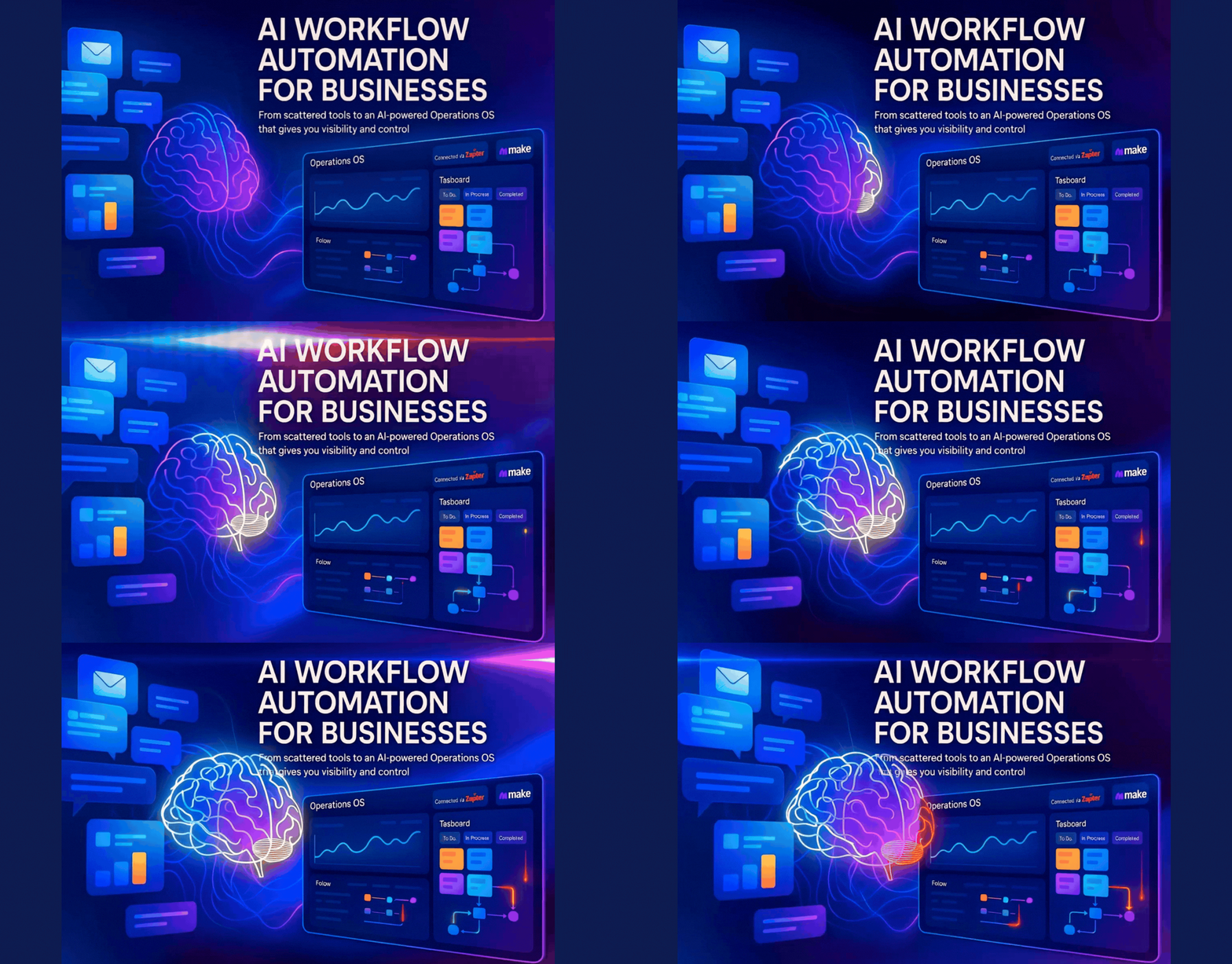
Illustration: multi-step workflows, AI helpers, and dashboards wired into a single Operations OS so leaders see what’s happening in near real-time.
Most businesses don’t have a tool problem—they have a handoff problem.
Work gets stuck between systems, people copy-paste the same data repeatedly, and follow-ups fall through the cracks.
That shows up as lost revenue, delayed cash flow, and “we’re busy but nothing moves” fatigue.
We remove the redundant work first—then add automation.
We map your workflows the way they truly happen, simplify where needed, and only then automate.
The result is fewer touches per transaction, fewer errors, and more output with the same team.
Built with your team, not behind a curtain.
On live calls we map “what really happens,” quantify where hours are being burned, then build AI-assisted workflows with you.
Your team sees how everything works, so adoption goes up and “shadow work” goes down.
Depending on the package, this can mean anything from your first
3 high-impact automations that win back 5–10+ hours per person each month
to a full 90-day Operations OS build with 20+ workflows, dashboards, and monitoring.
Automations tailored to your tech stack and margins (not a cookie-cutter template)
Maps, SOPs, and Loom walkthroughs so training is faster and you’re not dependent on “the one person who knows it”
Live implementation & training via Zoom/Meet—so you get real adoption, not a build that sits unused
Monitoring & optimizations so your workflows keep running when tools update or edge cases appear
Automation sprints & 90-day Operations OS builds
Start with a focused implementation sprint to remove your worst bottlenecks, or go straight to a full Operations OS build.
All options include live Zoom/Meet build sessions, documentation, and a monitoring window so your automations stay reliable.
Essentials Automation Sprint
What’s included
Up to 3 high-impact workflows that reduce repetitive admin work fast
Light AI for summaries, tagging, and categorization where it helps humans move faster
2× 60–90 min Zoom/Meet build sessions (we build with you live)
SOP + 2–3 Loom walkthroughs for handoff and training
30 days monitoring & minor fixes so the first month runs smooth
Best for: owners and small teams who want their first 2–3 automations live fast—so follow-ups happen, tasks stop dropping, and admin stops stealing selling/serving time.
AI-assisted tagging, routing, drafting, and summaries to speed up human decision-making
Error logging & alerts so problems are visible early (before revenue is impacted)
3–4 live sessions (design, mid-build demo, final handoff & training)
Process diagrams & SOPs for cross-team clarity
60 days monitoring & optimization as your team uses it in real-world conditions
Best for: businesses ready to increase throughput without hiring—removing handoff delays and repeat work across sales, ops, and support.
Flagship
Ops OS Build — 90-Day Operations OS
What’s included
9–20+ workflows across sales, ops, finance, support, and marketing
Blend of Zapier, Make, AI, and custom code as needed to match your complexity
Dashboards for performance, capacity, and the metrics leaders actually manage
6+ live stakeholder sessions (mapping, approvals, training, optimization)
Full documentation (maps, SOPs, Looms) so your Operations OS is an asset, not a black box
90 days monitoring & optimization to stabilize and scale what we’ve built
Best for: leaders who want an “operations layer” that compounds—visibility, reliability, faster cycle times—and the equivalent of a senior automation capability without the full-time hire.
How these sprints & Ops OS builds work
Essentials Sprint: up to 3 workflows across ≤3 systems + 2 live build calls and 30-day monitoring to stabilize the wins.
Growth Sprint: 4–8 workflows across 3–5 platforms + 3–4 live sessions, AI where it helps humans, and 60-day monitoring.
Ops OS Build: 9–20+ workflows across departments with dashboards, 6+ stakeholder sessions, and 90 days of optimization.
*Pricing is project-based. We scope the work so time saved and error reduction are measurable—and the capacity you reclaim can realistically pay for the project over time.
How we deliver (without disrupting your day)
Delivered remotely for speed—secure access to workflows, dashboards, and live Zoom working sessions so your team can join from anywhere.
Everything is delivered remotely for speed and flexibility. We meet via Zoom or Google Meet,
share screens, map workflows, and build automations together in real time.
You get secure access to documentation, diagrams, and dashboards as they’re completed—so leaders can review and teams can execute.
Based in California’s Central Valley and serving clients nationwide, we use Calendly so you can choose the advisor and times that fit your schedule—without endless back-and-forth.
FREE toolkit
FREE AI Ops Starter Kit (quick wins to reduce admin + errors)
A quick-start checklist, “stop copy-pasting this” prompts, and a 90-day prioritization guide so you can see exactly where your team is losing hours—and what to automate first.
Two quick steps. Tailored to where your team is currently losing the most time.
Check your inbox: we’ve sent your tailored AI Ops Starter Kit.
Tip: start with 1–3 workflows that waste the most time right now. We’ll email suggestions on how to prioritize—and if you want, how we’d build them with you.
Meet your AI workflow & operations advisors
Kelly Morris, MBA — Co-Founder
Master’s in Business Administration · 18+ years entrepreneurial · 8+ years business consulting.
Independent Advisor, Valley Community SBDC (Clovis, CA). Pictured with the Mayor of Clovis, Vong Mouanoutoua.
Kelly helps owners turn “everything lives in my head” operations into clear, documented workflows that reduce rework, protect cash flow, and are ready for automation.
No government endorsement implied.
Korey Morris — CEO
15+ years entrepreneurial · 8+ years business consulting.
Independent Advisor, UC Merced SBDC. Director, PEARLS of Compassion nonprofit.
Korey blends marketing funnels, automation, and operations so every workflow ties back to revenue, client experience, and measurable throughput—not just “cool tech.”
BeUncommon 24-7 is an independent advisor to local SBDC centers; not a federal endorsement.
How we go from “everything is manual” to workflows that actually stick
1) Map & quantify
We audit your tools and real-world processes, then quantify where hours, leads, and cash are leaking.
This is where we calculate your “busywork tax” and identify the fastest wins.
2) Design workflows humans can follow
We design target workflows that are simple for your team to follow—before we automate—so adoption is high
and the process doesn’t collapse the first time someone deviates.
3) Build & test live with your team
We implement automation with you on Zoom, test edge cases, and walk through “day in the life” scenarios
so everyone understands what happens—and what to do if something looks off.
4) Train, monitor & iterate
Your team gets SOPs, Looms, and a monitoring window so nothing quietly breaks.
As patterns emerge, we refine workflows and prioritize the next automations for compounding gains.
Real owners. Real operations wins. Real dollars protected.
★★★★★ (Google)
“$50K+ in new business after we stopped leaking leads.”
Individual results vary. These quotes reflect each client’s experience and the impact of tighter systems, automation, and clearer operations on their time and outcomes.
FAQs
Who is this for?
Owners and ops leaders who are tired of “busy but not moving.” If manual handoffs, repeated data entry, and missed follow-ups are costing you time and revenue, we help you build an operations layer that’s calm, visible, and scalable—without replacing your people.
What tools do you work with?
We work with the tools you already use—CRMs, email platforms, helpdesks, billing, project tools, chat, and more. The focus stays on your workflows and outcomes (cycle time, fewer errors, throughput), then we use Zapier/Make/AI/custom code only as needed.
How long does this take?
Essentials Sprints typically run 2–3 weeks. Growth Sprints are about 6 weeks. Ops OS Builds run ~90 days. Timelines depend on scope, responsiveness, and any approvals/compliance steps we need to respect.
How involved does my team need to be?
You’ll join live Zoom sessions for mapping, approvals, and training. Between calls, we do the heavy lifting. Most teams spend 1–2 hours per week during active implementation—and we design workflows so they fit how work actually happens.
What happens if an automation breaks?
Each package includes a monitoring window (30, 60, or 90 days depending on scope). We add logging and basic alerts so issues are visible early. During your monitoring window, we fix issues related to the workflows we built. For peace of mind beyond that, we offer Automation Care Plans.
Is this secure?
We follow least-access principles: role-based accounts, admin invites where possible, and no sharing personal passwords. If you have internal IT/security policies, we’ll work within them as we get access to tools and data.
Do you offer refunds?
Because this is hands-on, custom work, we don’t offer blanket refunds. Instead, we scope clearly up front, keep you involved on live calls, and make adjustments inside the agreed scope so you’re never surprised by what’s being built.
Stop paying the “busywork tax.” Build an Operations OS that compounds.
A chunk of payroll is quietly going to copy-paste work, repeated admin, and “did anyone follow up?” moments.
We help you replace that with an AI-powered Operations OS that improves throughput, reduces errors, and gives you visibility—without replacing your team.
We bring SBDC-honored consulting and real-world automation experience to every project. No government endorsement implied.